Commercial Version
Activate a License Key
To activate a license key for a commercial [1] or trial [2] version, we need to do it from .
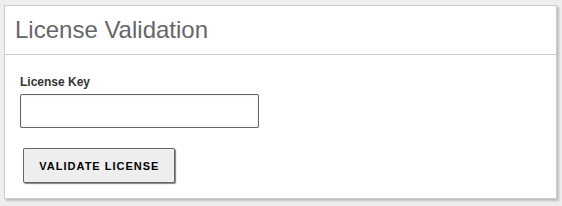
License activation form
Warning
The Zentyal server must have an Internet connection to activate the commercial license.
Once entered and changes saved, we will see the license information.
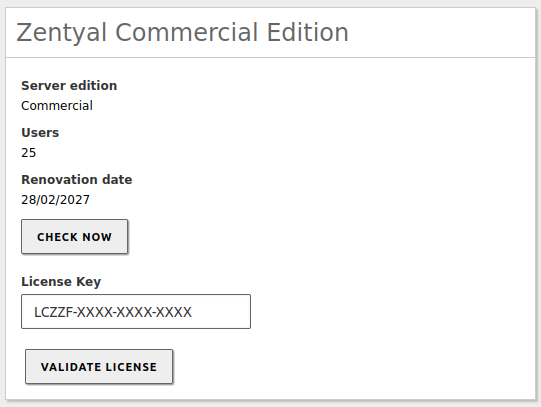
License activated
From this moment on, we can check the license status by clicking on CHECK NOW or enter a new one by clicking on VALIDATE LICENSE.
| [1] | Commercial licenses: https://www.zentyal.com/price-yearly-zentyal-server-subscription/ |
| [2] | Trial licenses: https://www.zentyal.com/free-trial-request/ |
Widget
By default, Zentyal enables a widget called License information on the dashboard, which shows information about the commercial license.
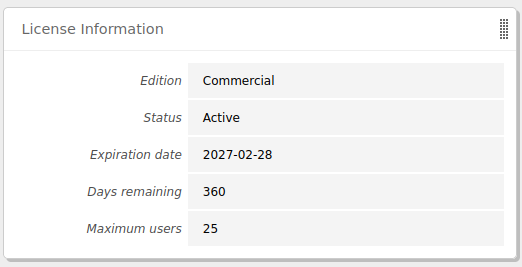
Widget showing commercial license information